Standard Email
Email forwarding and DNS verification for custom email domains.
Written By ScaleFlows Team
Last updated 22 days ago
💡 Tip: Use this method for custom email domains (e.g., support@mybusiness.com).
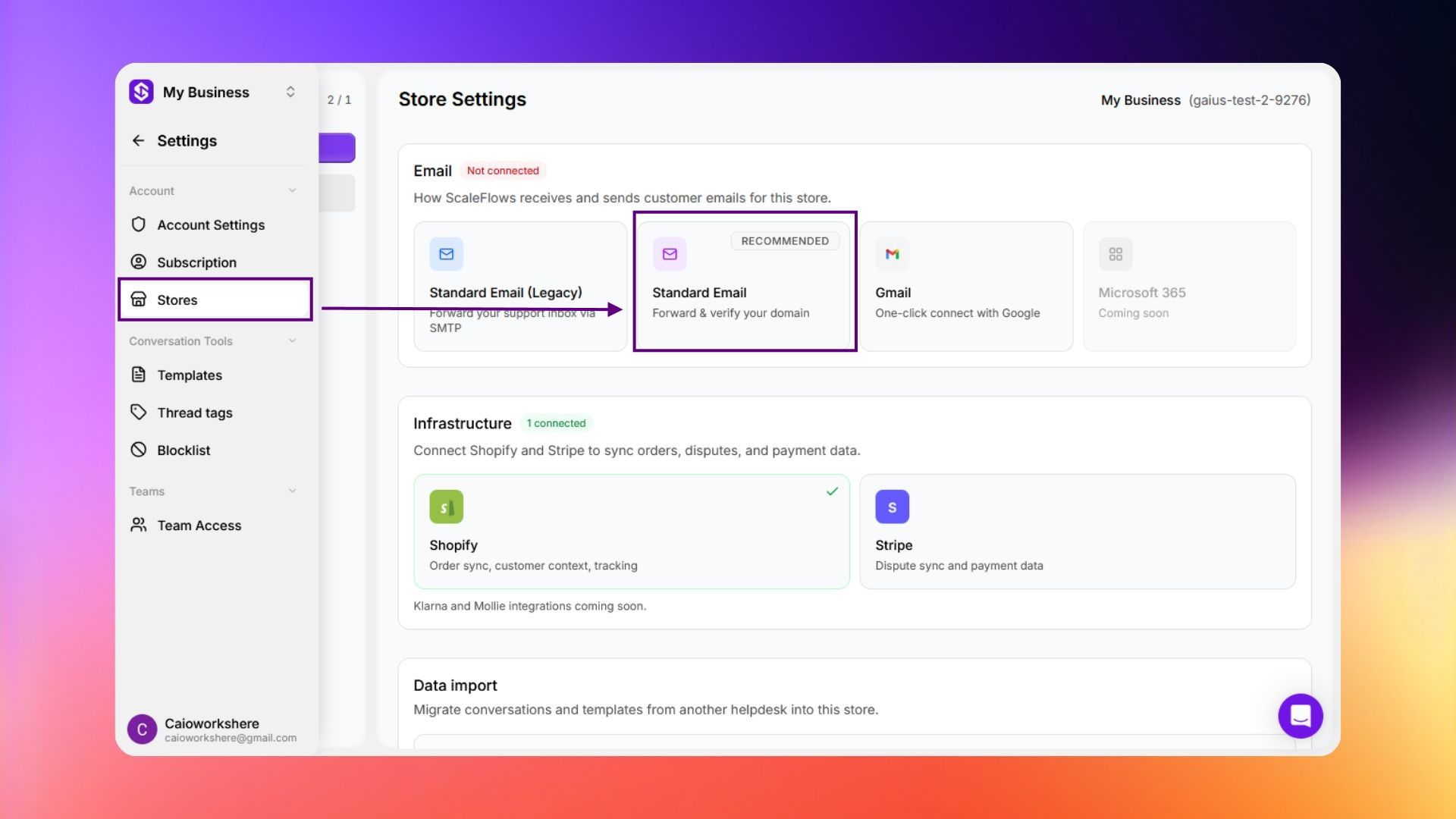
Step 1. Go to Settings → Stores.
Step 2. Under Email, click Standard Email.
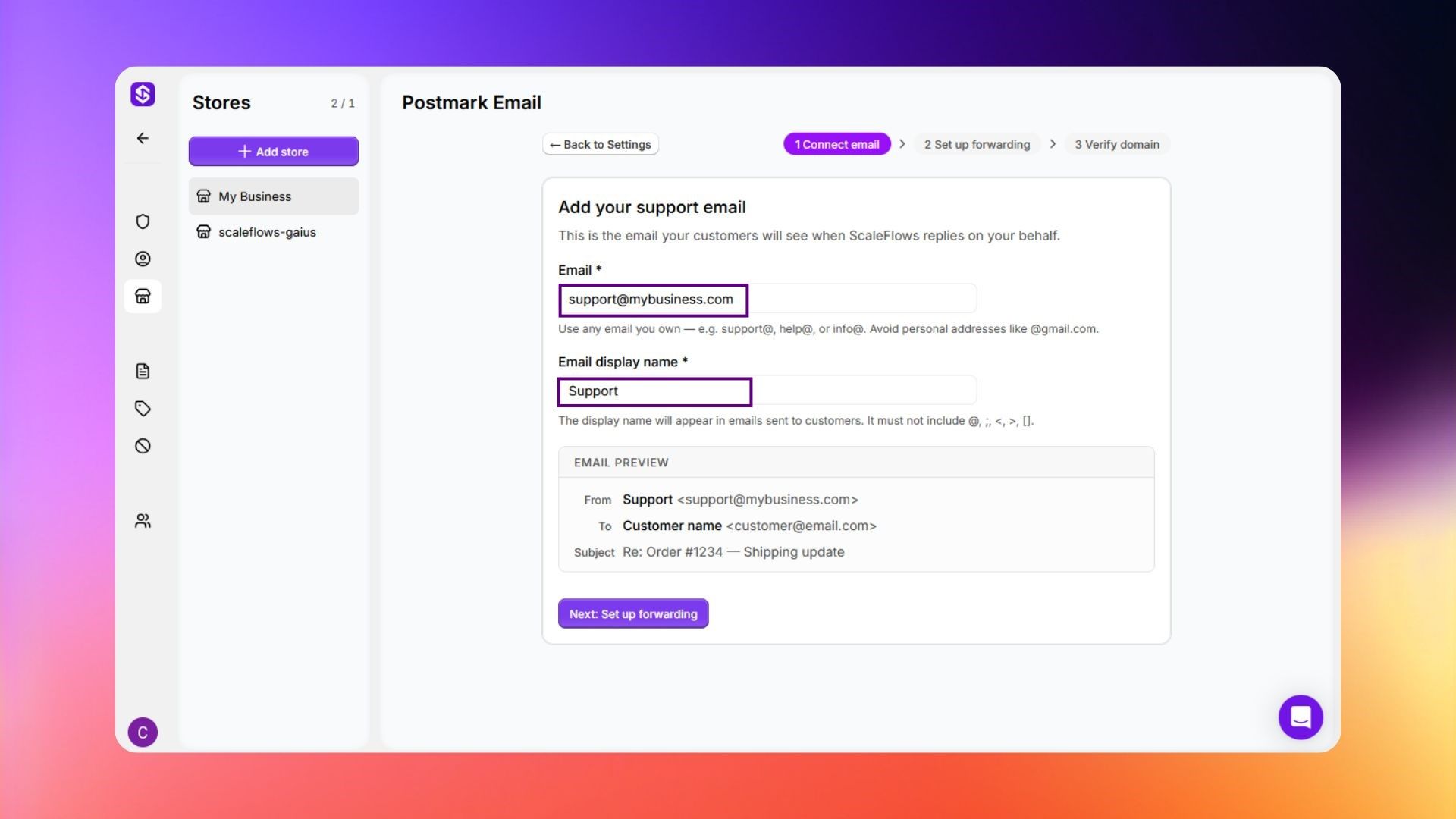
Step 3. Enter your support email and email display name. Click Next.
Step 4. You will be assigned your own ScaleFlows inbox. Add it as a forwarding address in your existing email provider.
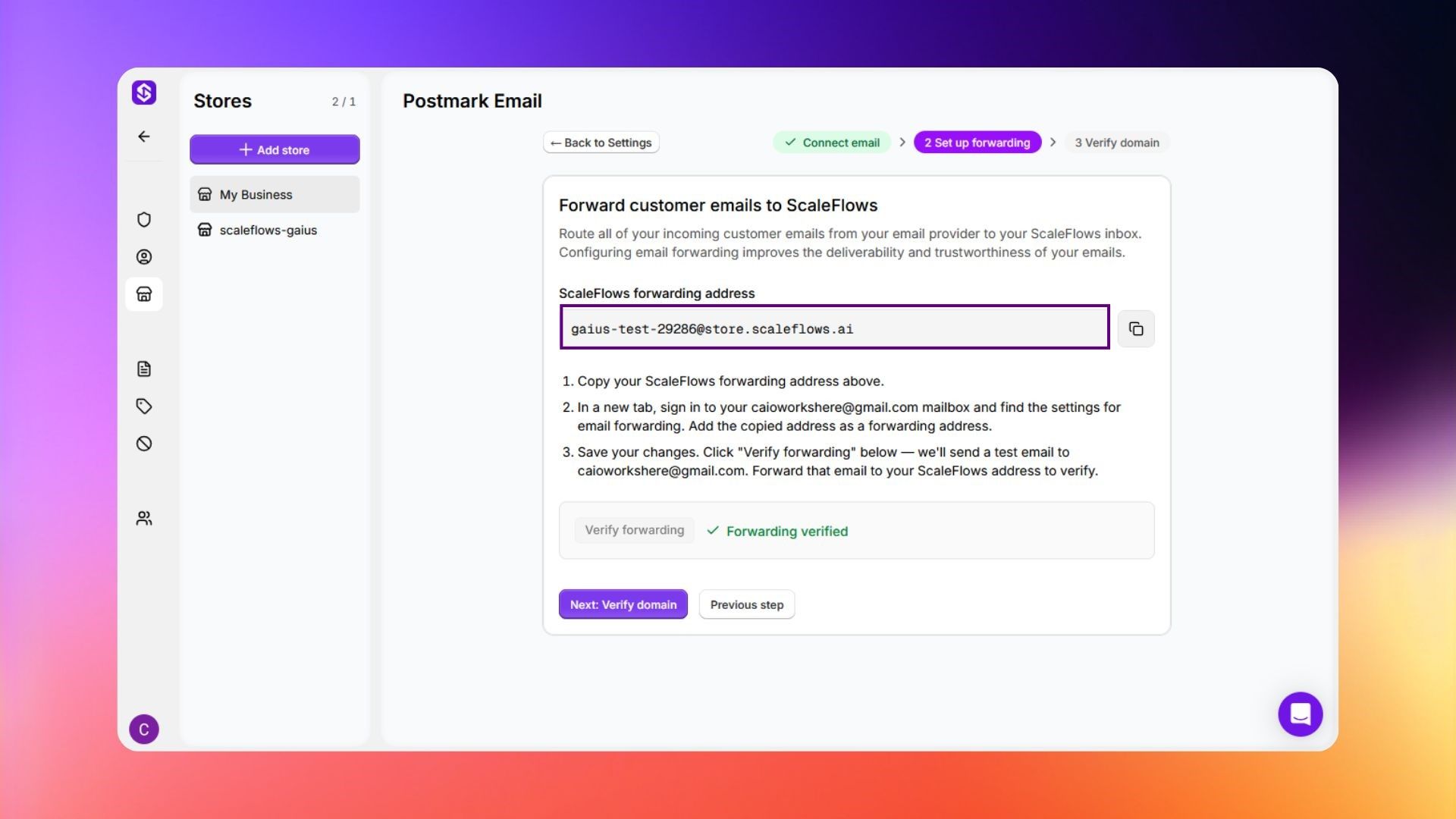
Step 5. Click Next: Verify domain.
Step 6. Copy each DNS record and add it to your registrar or domain manager. Please refer to DNS Records Setup for more guidance.
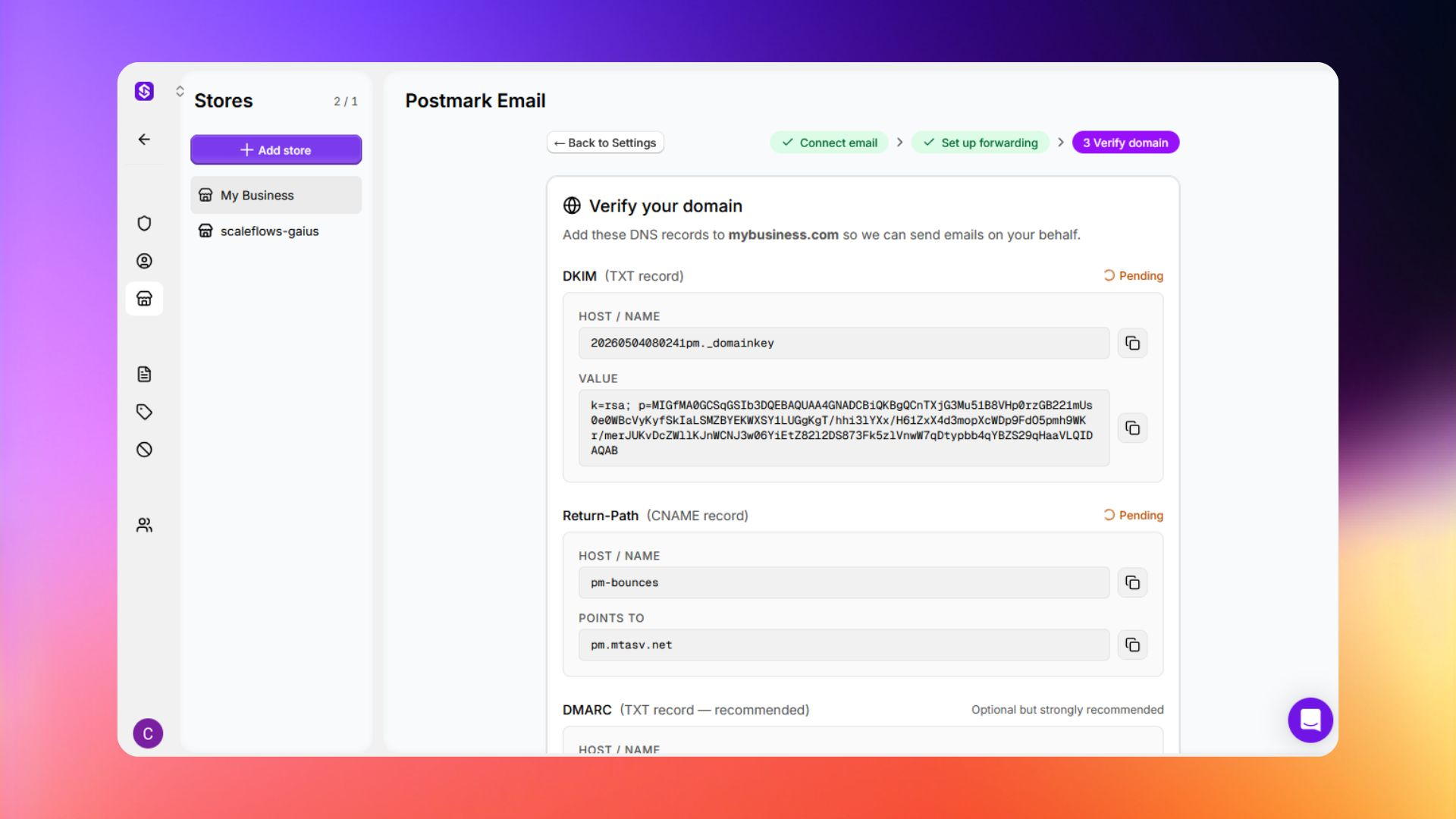
Step 7. Click I've added the records - verify.
✅ Success: Your setup is completed! Note that DNS propagation may take up to 48 hours.