The Inbox

Manage and review customer conversations handled by your AI agent and your support team.

Written By ScaleFlows Team

Last updated 22 days ago

๐Ÿ’ก Tip: During initial setup, regularly check your inbox to review how the AI is handling messages.
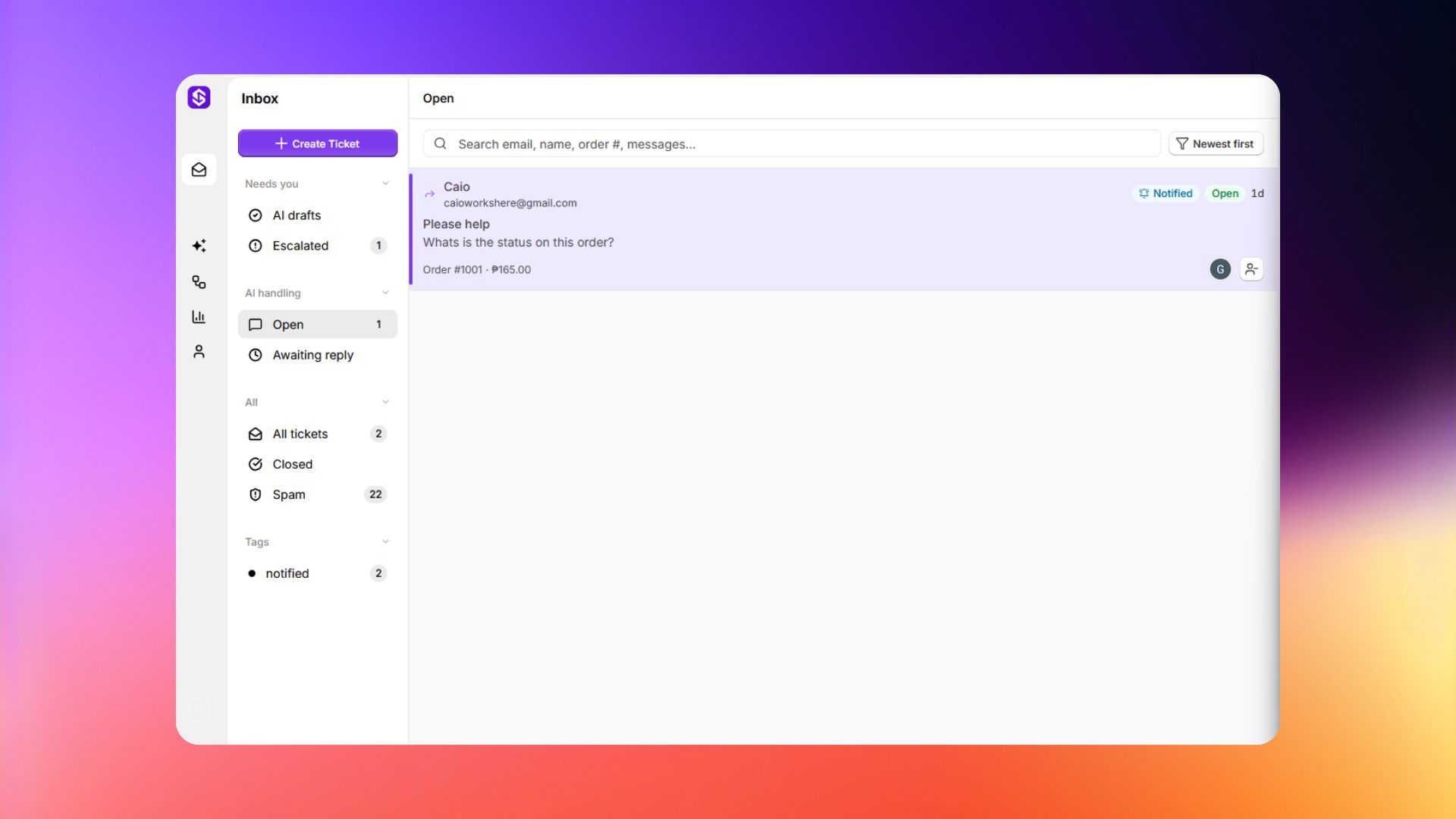
Inbox workspace

See what each view does below.

Needs You

Conversations that need your attention.
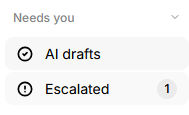
Needs You view
Left Sidebar ViewsDescription
AI DraftsReplies that AI wrote and are waiting for your approval
EscalatedTickets that AI flagged as something it can't handle alone, has active accepted commitment and no pending AI draft.

AI Handling

Conversations the AI is managing automatically.
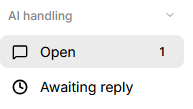
AI Handling view
Left Sidebar ViewsDescription
OpenEmails that have open status, no AI draft, and last message from customer
Awaiting replyTickets that are open, have no AI draft, and are waiting for the customer to respond.

All

Every conversation.

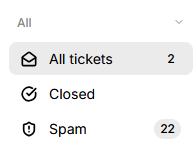
All view
Left Sidebar ViewsDescription
All ticketsEverything except closed
ClosedClosed tickets with no pending AI draft, and no active commitment.
SpamDetected or marked as spam

Tags

Filter by any tags you've created.
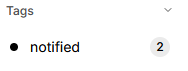
Tags view