Gmail One-click connect
Connect your inbox with one-click Google authentication.
Written By ScaleFlows Team
Last updated 22 days ago
💡 Tip: Use this method for Google Workspace and regular Gmail accounts.
Video Guide
Text Guide
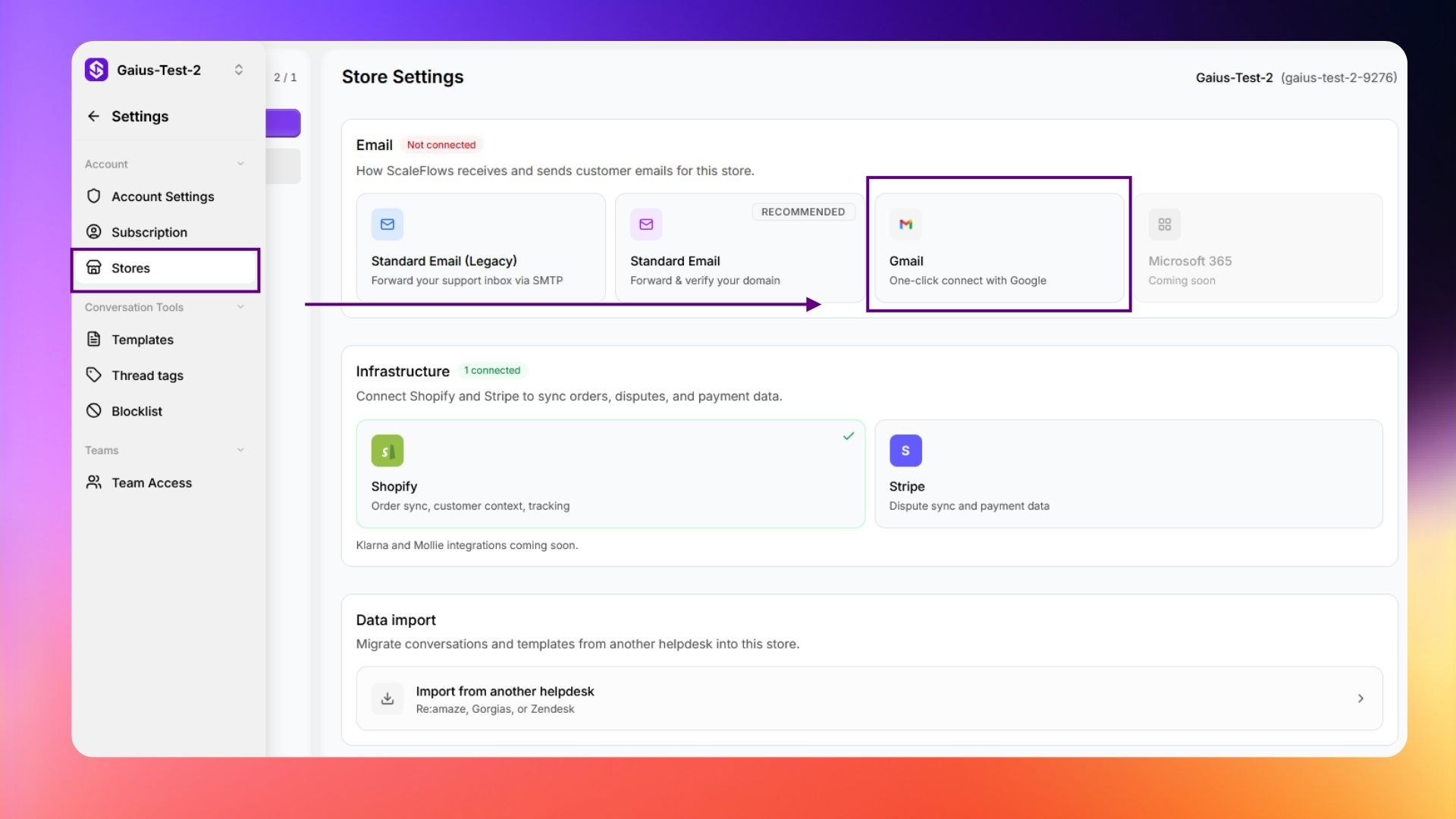
- Go to Settings → Store.
- Click Gmail (One-click connect with Google).
- Click Connect Gmail and choose the correct account.
- Click Advanced and click Go to ScaleFlows.
- Click Continue and check the boxes to authorize Read and Send permissions.
- Click Continue, then go to your inbox.
✅ Success: You can now view your support messages and start sending AI responses.