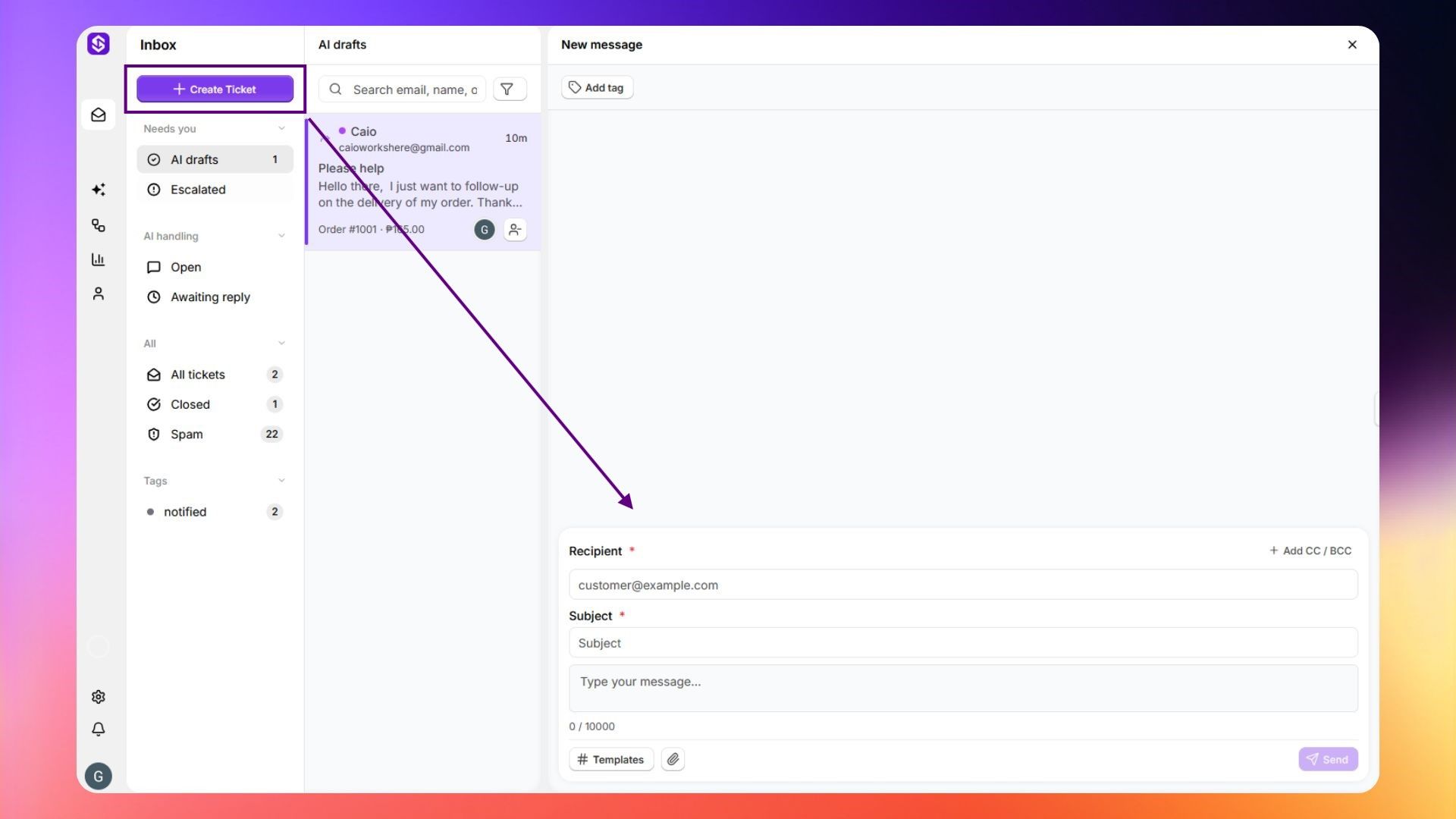
Create a ticket
Manually start a new conversation from your inbox when a customer hasn't emailed in first.
Written By ScaleFlows Team
Last updated 22 days ago
💡 Tip: Use this when you need to reach out to a customer proactively.
- Click Create Ticket at the top of the sidebar.
- Fill in the recipient, subject, and message.
- Then click Send.